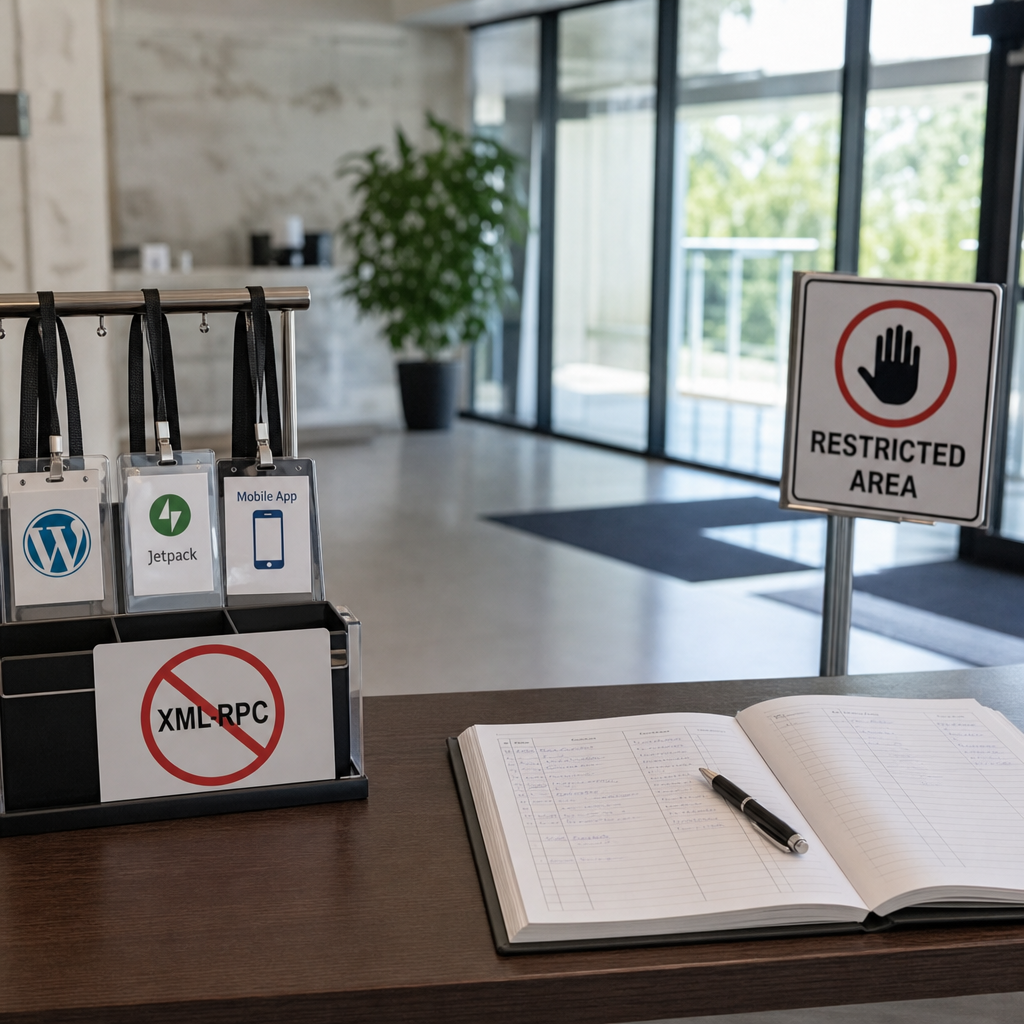
XML-RPC is an older mechanism for remote interaction with WordPress through the /xmlrpc.php file. It may be required by mobile apps, Jetpack, external publishing services, and certain integrations. If your site does not use these features, an exposed XML-RPC endpoint creates unnecessary attack surface.
The endpoint is most commonly abused for large-scale login attempts, including through the system.multicall method, as well as for Pingback attacks. The most reliable approach is to first check the site's dependencies, then disable XML-RPC in WordPress and, where possible, block access to /xmlrpc.php at the web server or WAF level.
What Is XML-RPC and Why Is It a Risk?
XML-RPC allows external clients to perform certain actions in WordPress through HTTP requests to /xmlrpc.php. Unlike regular work in the administration area, this does not require opening a browser interface: requests are sent directly to the endpoint.
XML-RPC itself is not a vulnerability. The problem is that it often remains accessible without a real business need and accepts requests from the entire internet. Attackers can use it to make a large number of authentication attempts in a single request, making rate control more difficult with basic protection rules.
Another risk is associated with Pingback. If the feature is available and configured incorrectly, attackers may attempt to use the site to send unwanted requests to other resources or reflect a large volume of traffic. The actual risk depends on the WordPress version, configuration, plugins, and server rules.
- Large-scale login attempts through XML-RPC.
- Abuse of the system.multicall method.
- Pingback attacks and unwanted outbound requests.
- An unnecessary public endpoint that is more difficult to control than a conventional login form.
First Check Whether Your Site Needs XML-RPC
Do not disable XML-RPC mechanically on a production site before checking its integrations. After it is blocked, remote publishing, some Jetpack features, older WordPress mobile apps, or third-party services that send posts through XML-RPC may stop working.
Review how your team manages the site: does it use a mobile app, automated publishing, external editors, cross-posting systems, or tools that interact with WordPress specifically through xmlrpc.php? If you cannot confirm any use case, disabling the endpoint is usually appropriate.
It is best to make changes on a test copy first or during a period of low traffic. Afterward, check administration-area login, post publishing, forms, integrations, and automation jobs. Standard editing in the administration area does not require XML-RPC.
- Review the documentation for active integrations and utility plugins.
- Ask the developer or hosting provider whether anything depends on /xmlrpc.php.
- Record the current configuration so you can quickly revert the changes if problems occur.
- Do not rely solely on the fact that the endpoint exists: determine whether it receives real requests.
How to Disable XML-RPC in WordPress
For a persistent configuration, use an MU plugin or a custom utility plugin. MU plugins load automatically and do not depend on the activation switch in the regular plugin list.
Create a file such as wp-content/mu-plugins/disable-xmlrpc.php. If the mu-plugins directory does not exist, create it. Add the following code to the file:
<?php
/**
 * Disable XML-RPC when it is not required by the site.
 */
add_filter('xmlrpc_enabled', '__return_false');
What This Filter Does
The filter tells WordPress that XML-RPC should be disabled. It is a simple and maintainable approach for sites that do not need remote interaction through this protocol.
It is important to understand the limitation: the code runs after the web request has already reached the server and WordPress has started processing it. It does not remove the file from the filesystem and does not guarantee that requests will not reach PHP at all. Therefore, to reduce load, it is advisable to add blocking at the web server or WAF level.
- Do not edit WordPress core files: updates may overwrite the changes.
- Do not add the code only to a theme if it must remain active independently of theme changes.
- If an integration stops working, temporarily revert the rule and determine whether it actually uses XML-RPC.
Block /xmlrpc.php at the Web Server or WAF Level
If XML-RPC is not needed at all, blocking it at the web server level is a stronger measure. The request is rejected before WordPress starts, reducing unnecessary PHP processing and the load caused by automated scanners.
For Apache, the rule can be added to the virtual host configuration or to .htaccess if the hosting environment permits these directives:
<Files "xmlrpc.php">
    Require all denied
</Files>
Example for Nginx
In Nginx, blocking is usually added to the configuration of the relevant server block. After changing the configuration, test it and reload the web server correctly. Managed hosting may not provide access to this file; in that case, contact the administrator or use a WAF.
location = /xmlrpc.php {
    deny all;
    return 403;
}
What to Consider When Blocking XML-RPC
Web server rules depend on the server type, operating mode, and hosting configuration. An incorrect directive may cause a configuration error or fail to work because of a proxy or CDN. Check the syntax before applying the change.
A WAF can block the /xmlrpc.php path, limit request rates, or allow access only from specified IP addresses. Full blocking is appropriate when the endpoint is definitely not used. If XML-RPC is required by a particular integration, consider access restrictions, rate limiting, and logging instead of an unconditional deny.
- Block the exact /xmlrpc.php path so other resources are not affected.
- After the change, check the response code externally: the expected result is a denial, such as 403.
- Do not treat hiding XML-RPC through robots.txt as protection: robots.txt does not prohibit HTTP requests.
How to Check the Result After Making Changes
Testing should include two parts: checking endpoint availability and verifying the site's functions. You can send a request to xmlrpc.php from the command line or through a monitoring tool. The following example checks only the HTTP response and does not perform authentication:
curl -i https://example.com/xmlrpc.phpWhat Is a Normal Result?
After server-level blocking, a 403 response or another response defined by the WAF is normally expected. If you use only the WordPress filter, the endpoint may respond with a message stating that XML-RPC is disabled or with another result, depending on the version and configuration.
After checking the endpoint, test administration-area authentication, post creation and editing, forms, cron jobs, and all external integrations. Also check Jetpack or mobile management if they are used.
Review web server and WAF logs. A large number of requests to /xmlrpc.php after blocking does not mean the measure has failed: what matters is whether the requests reach PHP and create load.
- Check the site without cache and through an external connection.
- Compare logs from before and after the block was implemented.
- Monitor integration errors for several days after the changes.
XML-RPC Is Not the Same as the REST API
Disabling XML-RPC does not block the WordPress REST API. These are different mechanisms with different addresses: XML-RPC usually operates through /xmlrpc.php, while the REST API uses /wp-json/. After applying the filter or web server rule, requests to the REST API may remain available.
Do not close /wp-json/ simply because you are disabling XML-RPC. The REST API is used by many modern WordPress features, the editor, blocks, themes, and integrations. Restricting it requires a separate analysis of permissions, public routes, and the requirements of the specific site.
Likewise, blocking XML-RPC does not replace other security measures: unique passwords, two-factor authentication, updates to the core and extensions, restricted user permissions, backups, and log monitoring.
- XML-RPC: /xmlrpc.php.
- REST API: /wp-json/.
- Blocking one mechanism separately does not automatically protect the other.
- Protection against XML-RPC attacks does not eliminate the risks of vulnerable plugins or stolen credentials.
Common Mistakes When Securing XML-RPC
The most common mistake is implementing a block without checking dependencies. As a result, automated publishing or remote administration stops working, and the cause is discovered only after release.
Another problem is adding the filter to a core file or an arbitrary theme file. Such a solution may disappear after an update or stop working when the theme changes. Use an MU plugin or a separate custom plugin for utility logic.
You should also avoid relying solely on renaming or deleting xmlrpc.php. The file is part of WordPress, and manual changes may be restored during an update and create unpredictable errors. It is safer to use the filter together with a controlled web server rule.
Finally, blocking XML-RPC is not a complete hardening strategy. If attacks continue through login forms, the REST API, or a vulnerable plugin, you need additional WAF rules, account protection, and timely updates to the components.
- Failing to check Jetpack, mobile apps, and external integrations.
- Editing WordPress core files.
- Considering robots.txt or hiding the URL sufficient blocking.
- Forgetting to check logs and actual load after making changes.
- Confusing XML-RPC with the REST API.
Frequently asked questions
Do I need to disable XML-RPC on every WordPress site?
No. If the site uses Jetpack, mobile management, remote publishing, or another integration through XML-RPC, full blocking may disrupt its operation. First identify dependencies, then choose between complete disabling and access restrictions.
Is adding add_filter('xmlrpc_enabled', '__return_false') enough?
For logically disabling XML-RPC in WordPress, this is usually sufficient. However, the request may still reach the web server and PHP, so blocking /xmlrpc.php at the server or WAF level is recommended to reduce unnecessary load.
Will the REST API stop working after XML-RPC is disabled?
No. They are separate mechanisms. The xmlrpc_enabled filter and blocking /xmlrpc.php do not disable /wp-json/. The REST API may require separate security configuration.
How can I tell whether XML-RPC is truly no longer accessible?
Send an external request to https://your-domain/xmlrpc.php and check the HTTP response, server logs, and WAF logs. Then test the administration area, publishing, mobile management, and all integrations that may depend on the endpoint.
Conclusion
If your site does not need XML-RPC, the optimal protection scheme is to disable it through an MU plugin or utility plugin and then deny access to /xmlrpc.php at the web server or WAF level. Before applying the block, check Jetpack, mobile apps, and automation workflows.
After making the changes, be sure to check the endpoint response, logs, and site functionality. Remember that XML-RPC and the REST API are different components, and XML-RPC protection should be part of broader WordPress hardening rather than the only security measure.