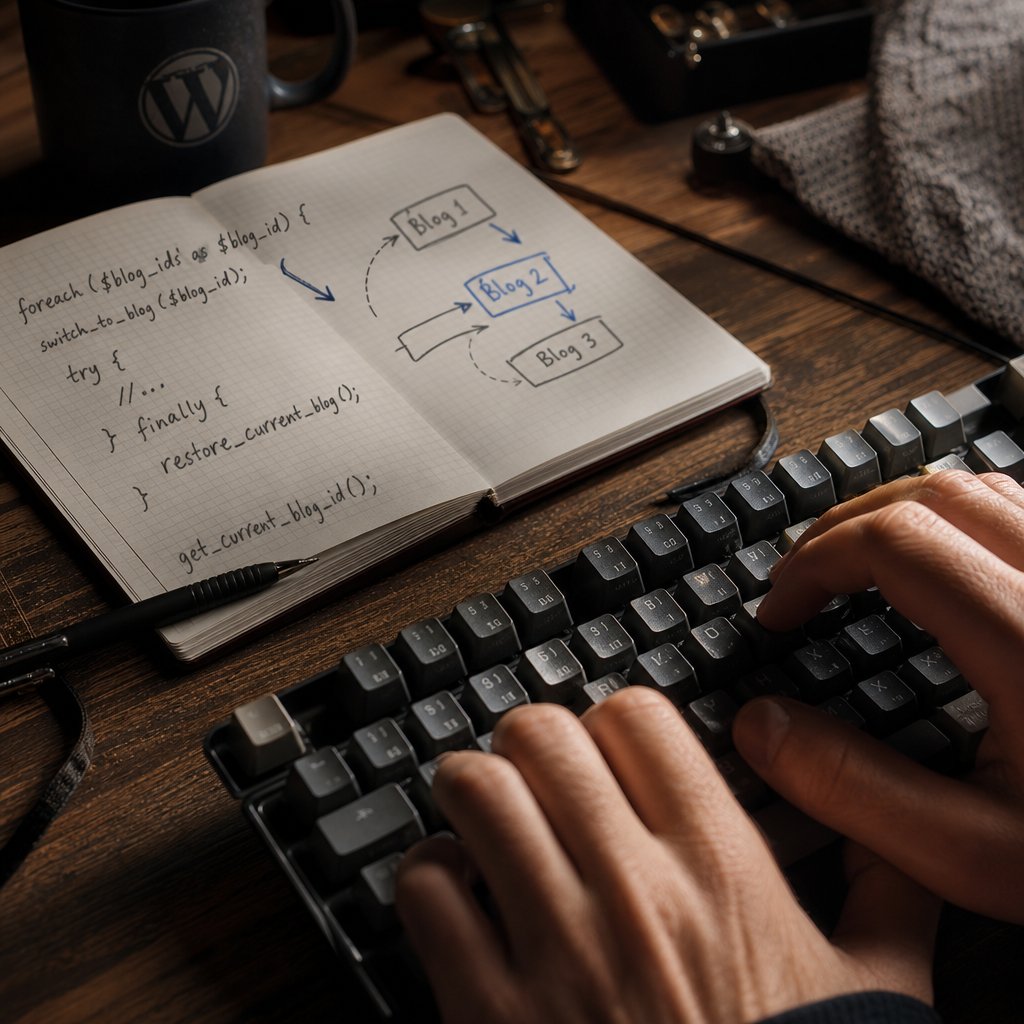
In WordPress Multisite, the switch_to_blog() function changes the current site for subsequent PHP code execution. Afterward, standard WordPress functions operate in the context of another blog: they access its tables, options, posts, and some user-related data.
The most common mistake is calling switch_to_blog() without then calling restore_current_blog(). This bug may not appear where it originated: a subsequent request, cron task, or REST response may suddenly receive data from another site. This article covers a safe usage pattern, common mistakes, debugging techniques, and ways to reduce the number of context switches.
What switch_to_blog() Actually Changes
Each site in Multisite has its own context. Depending on the function being used, WordPress accesses the appropriate tables with the prefix of the specific blog, such as wp_2_options or wp_3_posts. After switch_to_blog($blog_id) is called, the global $wpdb object and WordPress's internal state switch to the specified site.
As a result, calls such as get_option(), get_posts(), WP_Query, or queries through $wpdb may now operate on the selected blog rather than the main site. This is not a local change affecting only one line of code: the context remains active until another switch or a restoration occurs.
It is important to distinguish between a site and a network. get_option() reads settings for the current blog, whereas get_site_option() is intended for network-level settings. A variable named something like my_network_option does not make the option a network option by itself.
- switch_to_blog() changes the current execution context.
- get_option() works with options for the current blog.
- get_site_option() reads network-level settings.
- restore_current_blog() returns to the previous context.
The Safe Pattern: Switching Within try/finally
Every switch should be treated as a temporary operation with a clearly defined pair: switch_to_blog() at the beginning and restore_current_blog() at the end. The most reliable approach in modern PHP is a try/finally block.
The finally block runs even when an exception occurs or execution leaves the block through return, break, or continue. This ensures that the code does not leave the process in the wrong context.
- Call restore_current_blog() in finally, not only after a successful operation.
- Do not rely on the next loop iteration to correct the state automatically.
- Within a single switch, perform only the operations that genuinely require another site.
foreach ( $blog_ids as $blog_id ) {
    switch_to_blog( $blog_id );

    try {
        $value = get_option( 'my_option' );

        // Work with data from the current site.
    } finally {
        restore_current_blog();
    }
}
Why Skipping Restoration Creates Difficult Bugs
If restore_current_blog() is not called, code after switch_to_blog() continues to run in the context of the last selected blog. This is particularly dangerous in large functions where a significant amount of helper logic separates the switch from the next query.
The problem often appears random: one site receives another site's settings, an administrator sees the wrong list of posts, or a cron or WP-CLI command writes data to a different blog than expected. The cause may be far from the point where the incorrect result is generated.
In a loop without context restoration, the next iteration also becomes less predictable. If the code switches to child sites and must then return to the site where it started, omitting the restoration breaks that logic.
- In a cron task, the wrong context may affect subsequent operations in the same run.
- In WP-CLI, it may change the results of later commands or the processing of data batches.
- In a REST endpoint, the error may appear in the response or cause data to be written to another blog.
- In long-running processes, the incorrect context remains active longer than the developer expects.
How to Work Correctly with Data from Different Sites
Before starting a loop, determine which operations genuinely require the context of an individual blog. You do not need to switch for network-level data if it can be retrieved through get_site_option(), get_sites(), or another appropriate API.
After switching, do not mix queries for the current site with network-level operations in the same block without a clear rationale. This makes the code easier to review and reduces the risk of accidentally using get_option() instead of get_site_option().
If you need to modify data across multiple sites, collect the IDs in advance, validate them, and switch only to the required blog. For each blog ID, it is advisable to verify that it belongs to the expected network, especially when the value comes from a request or external data.
- For options belonging to a specific site, use get_option() after switch_to_blog().
- For network options, use get_site_option() without unnecessary switching.
- Do not trust a blog ID obtained from an HTTP request without validating it.
- Do not use context switching as a replacement for capability checks.
$network_value = get_site_option( 'my_network_option' );

foreach ( $blog_ids as $blog_id ) {
    switch_to_blog( (int) $blog_id );

    try {
        $site_value = get_option( 'my_site_option' );
        // Process the setting for the specific site.
    } finally {
        restore_current_blog();
    }
}
Considerations for Loops, WP-CLI, Cron, and REST
In loops, it is important to restore the context on every iteration rather than once after the entire loop. If the state remains changed while processing one blog, the next item may be processed using the wrong tables or settings.
For WP-CLI and cron tasks, also verify the initial blog ID before starting critical logic. These processes often perform many operations sequentially, so a single missing restore_current_blog() can affect the entire run.
In a REST endpoint, switching blogs does not change the authenticated user to another user. However, data, roles, and capabilities may be associated with a specific site, so permissions must be checked with the target blog in mind. Successfully calling switch_to_blog() does not itself grant permission to read or modify that site's data.
- Isolate the logic for one blog in a small function or separate service method.
- Avoid hidden switches in functions that are called from multiple places.
- For write operations, verify permissions, that the blog exists, and that the input data is valid.
- After processing is complete, verify that the code has returned to the expected blog.
Debugging: How to Find the Wrong Context
The first step when investigating an issue is to log get_current_blog_id() before a critical read or write. This helps compare the expected blog ID with the actual one and identify where the context changed.
Logs should include the operation name, blog ID, and, when necessary, the user or execution ID. Do not log confidential option values or complete query data unless required.
Also review the code for early return statements, exceptions, break, and continue between switch_to_blog() and restore_current_blog(). If the switch is hidden inside a callback or hook, check every execution path rather than only the main scenario.
- Add logging before and after the critical operation.
- Compare get_current_blog_id() with the blog ID passed to the function.
- Check whether switch_to_blog() is being called in a nested manner.
- Test scenarios involving exceptions and premature termination.
- After a batch of operations, verify that the current blog has returned to the expected value.
$expected_blog_id = (int) $blog_id;
switch_to_blog( $expected_blog_id );

try {
    error_log(
        sprintf(
            'Processing blog: expected=%d actual=%d',
            $expected_blog_id,
            get_current_blog_id()
        )
    );

    // Critical operation.
} finally {
    restore_current_blog();
}
Common Mistakes and the Overhead of Context Switching
One common mistake is calling switch_to_blog() before every small operation, even though several queries could be performed within a single context. Each switch changes global state and may interact with object caching, so unnecessary calls in large loops make the code harder to understand and add overhead.
Another mistake is using switch_to_blog() to access network-level data. In that case, the switch is not only unnecessary but also creates a risk that a neighboring operation will accidentally run against another site.
You should also avoid manually changing $wpdb->prefix instead of using the WordPress API. Manually replacing the table prefix does not fully reproduce the behavior of a context switch and can cause issues with caching or internal queries.
- Group related operations within one try/finally block.
- Do not switch when get_site_option() or a network API is sufficient.
- Do not rely on manually changing the table prefix.
- Do not assume restore_current_blog() is optional after switching to the same site.
- During code review, search for every switch_to_blog() call and verify that it has a matching restore_current_blog().
Frequently asked questions
Do I need to call restore_current_blog() after every switch_to_blog()?
Yes, when the code temporarily switches context and must then continue working with the previous site. The safest approach is to place restore_current_blog() in finally. This is especially important in loops, cron tasks, WP-CLI commands, and REST endpoints.
What happens if an exception occurs during execution?
Without finally, execution may end before restore_current_blog() is called, leaving the current context changed for the rest of the process. A try/finally construct guarantees restoration even after an exception.
What is the difference between get_option() and get_site_option() in Multisite?
get_option() works with settings for the current blog, while get_site_option() works with network-level settings. Network data usually does not require switching between blogs.
Does switch_to_blog() change the current authenticated user?
No, switching blogs does not make the user a different user. However, access to roles and capabilities in Multisite may depend on the specific site, so permissions must be checked in the correct context.
How can I quickly check which blog the code is running in?
Use get_current_blog_id() and write the result to the debug log before a critical operation. Compare it with the expected site ID.
Conclusion
switch_to_blog() is a useful tool for working with data from different sites in WordPress Multisite, but it changes the global execution context. Therefore, every call must be controlled and followed by restore_current_blog().
The practical rule is simple: switch only when necessary, group operations within try/finally, separate site data from network data, and check get_current_blog_id() during debugging. This prevents silent errors in which code reads or modifies data belonging to the wrong blog.