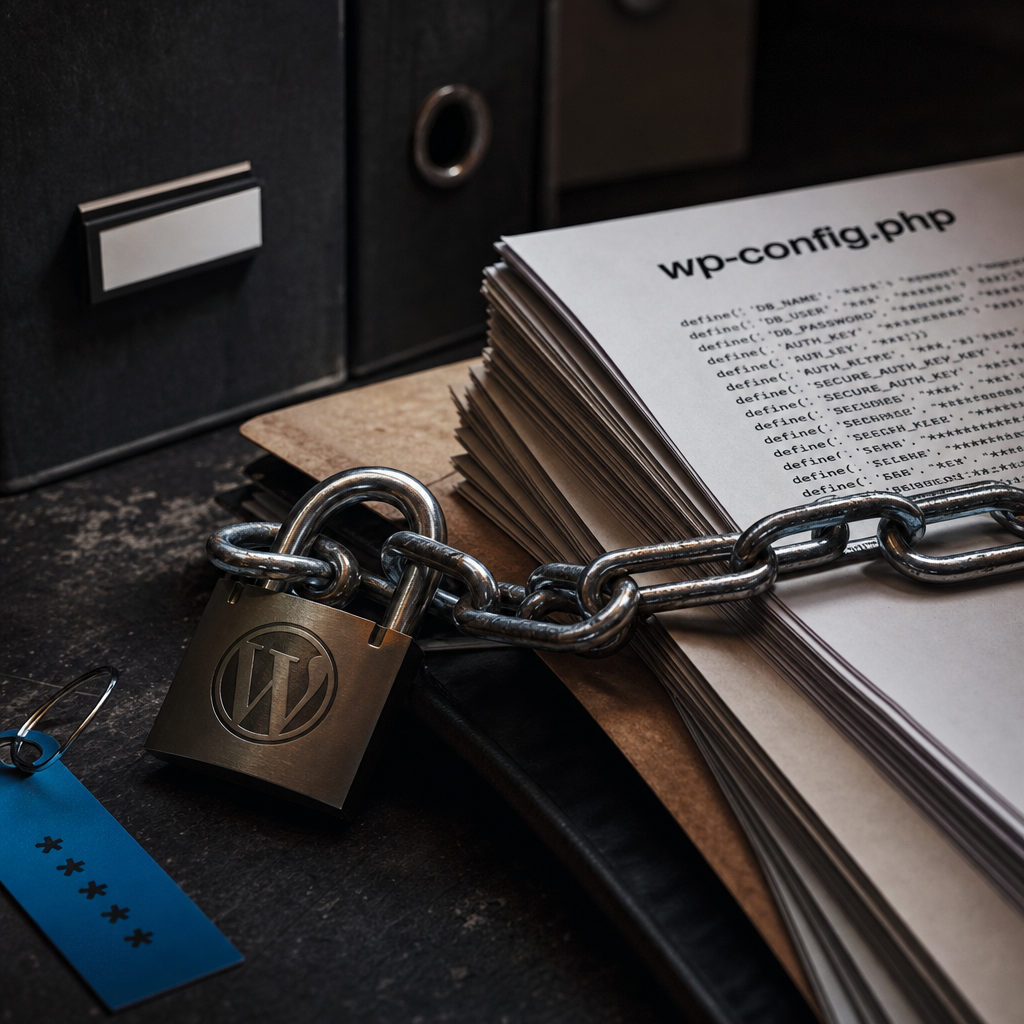
The wp-config.php file contains more than WordPress settings. It may also include database credentials, SALT keys, integration tokens, and other values whose compromise could give an attacker access to the site or its infrastructure. Storing this file with its secrets in a repository is therefore a risk, even when the repository is private.
A safer model is to keep only a configuration template in the codebase and provide secret values at runtime through environment variables, a secret manager, or a separate file accessible only to the web server user. It is also important to remove secrets from Git history correctly and replace them after a leak.
Which WordPress Data Needs Protection
Not every wp-config.php parameter is a secret. The site name, debug mode, or WP_HOME value may be part of the application configuration, but passwords, keys, and tokens should be treated as sensitive data.
Pay particular attention to WordPress SALT keys and hashes. They are used to sign cookies and protect sessions. If they are exposed, old user sessions may remain valid longer than necessary, and the keys themselves can no longer be considered trustworthy.
- DB_PASSWORD, DB_USER, and, depending on the environment, DB_HOST and DB_NAME.
- AUTH_KEY, SECURE_AUTH_KEY, LOGGED_IN_KEY, NONCE_KEY, and the corresponding SALT values.
- API tokens for payment systems, email services, CRMs, CDNs, and other integrations.
- SSH keys, passwords for third-party services, and credentials for backups.
- Secrets in .env files, wp-config.php backups, SQL dumps, and site archives.
Why a Private Git Repository Does Not Solve the Problem
A private repository reduces the risk of accidental public access, but it is not a specialized secret store. Former employees, CI/CD systems, contractors, or compromised accounts may still have access to it.
The main problem is commit history. Removing a password from the current file does not remove it from older commits, tags, forks, or CI caches. If a secret has entered Git even once, consider it compromised: remove it from the history and replace it immediately.
Before publishing changes, check the staged files. .env files, local configurations, database dumps, archives, and wp-config.php backups are generally added to .gitignore. However, .gitignore only prevents files from being added in the future; it does not remove files that have already entered the repository.
- Do not rely on renaming .env.example to .env without checking its contents.
- Do not add wp-config.php.bak, wp-config.php~, backup.sql, or site archives to the repository.
- Configure secret scanning on your Git platform or in CI, but do not treat it as a replacement for key rotation.
- Check CI/CD logs: secrets may accidentally appear there through debug commands or incorrect variable output.
The Environment Variable Approach
Environment variables allow you to keep configuration code in the repository while supplying values separately for development, staging, and production. In this model, wp-config.php does not contain the actual database password or API token.
The example below shows a basic setup. A default value for DB_HOST can be convenient locally, but in production it is better to set all critical parameters explicitly and verify that they are available at startup.
- Store only a template such as .env.example in the repository, without real values.
- Separate variables for different environments and do not use production secrets locally.
- Do not output environment variables in an error page, logs, or diagnostic reports.
define('DB_NAME', getenv('WP_DB_NAME'));
define('DB_USER', getenv('WP_DB_USER'));
define('DB_PASSWORD', getenv('WP_DB_PASSWORD'));
define('DB_HOST', getenv('WP_DB_HOST') ?: '127.0.0.1');

define('WP_HOME', getenv('WP_HOME'));
define('WP_SITEURL', getenv('WP_SITEURL'));

define('AUTH_KEY', getenv('WP_AUTH_KEY'));
define('SECURE_AUTH_KEY', getenv('WP_SECURE_AUTH_KEY'));
define('LOGGED_IN_KEY', getenv('WP_LOGGED_IN_KEY'));
define('NONCE_KEY', getenv('WP_NONCE_KEY'));
define('AUTH_SALT', getenv('WP_AUTH_SALT'));
define('SECURE_AUTH_SALT', getenv('WP_SECURE_AUTH_SALT'));
define('LOGGED_IN_SALT', getenv('WP_LOGGED_IN_SALT'));
define('NONCE_SALT', getenv('WP_NONCE_SALT'));
Check Whether PHP-FPM Can See the Variables
A common mistake is to define variables in the shell or container while PHP-FPM does not receive them. In the PHP-FPM pool configuration, the clear_env setting may clear the process environment. If the variables are not passed through, getenv() returns false or an empty value, and the site may fail with a database connection error.
PHP-FPM settings depend on the operating system and deployment method. In some environments, variables are passed through env[...] in the pool configuration; in containers, they are provided through orchestrator mechanisms; and managed hosting may limit this capability. After changing the configuration, restart PHP-FPM and verify the result without displaying the secret itself.
- Check which user PHP-FPM runs under.
- Make sure the required variables are passed to the PHP worker process itself, not only to the command-line shell.
- Test whether a value is present by checking its length or confirming a successful connection, without printing the password.
- After making changes, check the PHP-FPM logs and WordPress database connection.
<?php
$name = getenv('WP_DB_NAME');
if ($name === false || $name === '') {
    error_log('WP_DB_NAME is not configured');
    exit('Configuration error');
}
?>
A Separate Configuration File Outside the Web Root
If a secret manager or environment variables are unavailable, you can move secrets into a separate PHP file outside the site's public directory. For example, the file can be placed in a directory accessible to PHP but not directly accessible through the web server.
The main wp-config.php file includes this file with require_once. Use an absolute path, restrict its permissions, and make sure the file is not included in backups or the repository.
- The file owner should be the user under which the site or PHP-FPM runs.
- Permissions should allow reading only for the required user or group.
- The directory containing the secrets must not be available for download through Nginx or Apache.
- Do not store it in /tmp: temporary directories may have unsafe permissions or be cleared by the system.
- Do not automatically copy it into a public directory during deployment.
require_once '/etc/wordpress/site-secrets.php';

// In site-secrets.php:
define('DB_NAME', 'production_db');
define('DB_USER', 'wordpress');
define('DB_PASSWORD', 'значення_не_має_бути_в_Git');
define('DB_HOST', '127.0.0.1');
Secret Managers and Production Deployment
For production, it is better to use a specialized secret store if your infrastructure supports one. A secret manager controls access, auditing, rotation, and the delivery of values to the application. The specific tool depends on your hosting provider, cloud platform, or orchestrator.
The safest approach is to give the application access only to the secrets it needs, rather than storing one universal infrastructure administrator password. CI/CD should also receive minimal permissions: for example, permission to read a secret for a specific deployment, but not to view every secret in the project.
If a secret manager is unavailable, a file readable only by the web server user can be an acceptable compromise. However, it does not protect against compromise of the server itself, so updates, access isolation, monitoring, and backups are still required.
- Restrict access to secrets by role and environment.
- Enable auditing for secret reads and changes.
- Do not pass secrets through command-line arguments, where they may remain in the process history.
- Do not embed production secrets in a Docker image or build artifact.
- Plan rotation before the first incident.
What to Do After a Secret Leak
Deleting a file from the latest commit is not enough. Act as you would during a real incident, even if it is unclear whether anyone used the secret.
First, limit the impact: change the database password, revoke API tokens, generate new SALT keys, and check active WordPress accounts. After rotation, the old values must no longer be valid.
Then clean the Git history using a history-rewriting tool, coordinate with everyone who has local copies, and force-update protected branches according to your platform's rules. Even after the history is cleaned, assume that the old value may have been copied.
- Change the database user's password and check its permissions.
- Revoke and reissue tokens for third-party services.
- Update the WordPress SALT keys; this usually terminates active authenticated user sessions.
- Check login logs, file changes, new administrators, and suspicious cron jobs.
- Remove the secret from Git history, but do not treat this as a replacement for rotation.
Configuration Checks Before Launch
Protecting secrets is not a one-time task of moving values out of wp-config.php. Add checks to the deployment process so the site cannot start with empty or test production values.
After deployment, verify database access, HTTPS operation, cron, and email and payment integrations. During these checks, do not display complete secret values in the browser or logs.
- The repository contains no .env files, SQL dumps, archives, or configuration backups.
- Searching for password, secret, token, api_key, and private keys does not reveal real values.
- PHP-FPM receives all required variables after restarting.
- Permissions on configuration files and directories are minimally sufficient.
- Public error display and diagnostic data are disabled in production.
- There is a rotation procedure, and responsibility for incidents is clearly assigned.
Frequently asked questions
Can wp-config.php remain in a private repository?
Technically, yes, but you should not store real passwords, SALT keys, or tokens there. A private repository does not protect against leaks through Git history, CI/CD, employee access, or backups.
Is adding .env to .gitignore enough?
This prevents a new local file from being added accidentally, but it does not remove the file from history if it has already been committed. In that case, replace the secrets and clean the repository history.
Why does getenv() return an empty value in WordPress?
Most often, PHP-FPM is not receiving the environment variables or is clearing them through the clear_env setting. Check the pool configuration, container or hosting setup, and restart PHP-FPM after making changes.
Should SALT keys be changed after a wp-config.php leak?
Yes. Generate them again after a leak. This makes the old keys unusable and usually terminates active user sessions, so rotation should be planned with this effect in mind.
Conclusion
A secure wp-config.php should not be the storage location for every project secret. Keep only the configuration-loading logic in the code, and provide values through environment variables, a secret manager, or a protected file outside the web root.
Add checks to the deployment process, restrict access permissions, do not commit backups, and regularly review change history. If a secret has already leaked, replace it first and clean the Git history afterward.